Google AI Pro Invoice & Receipt Guide
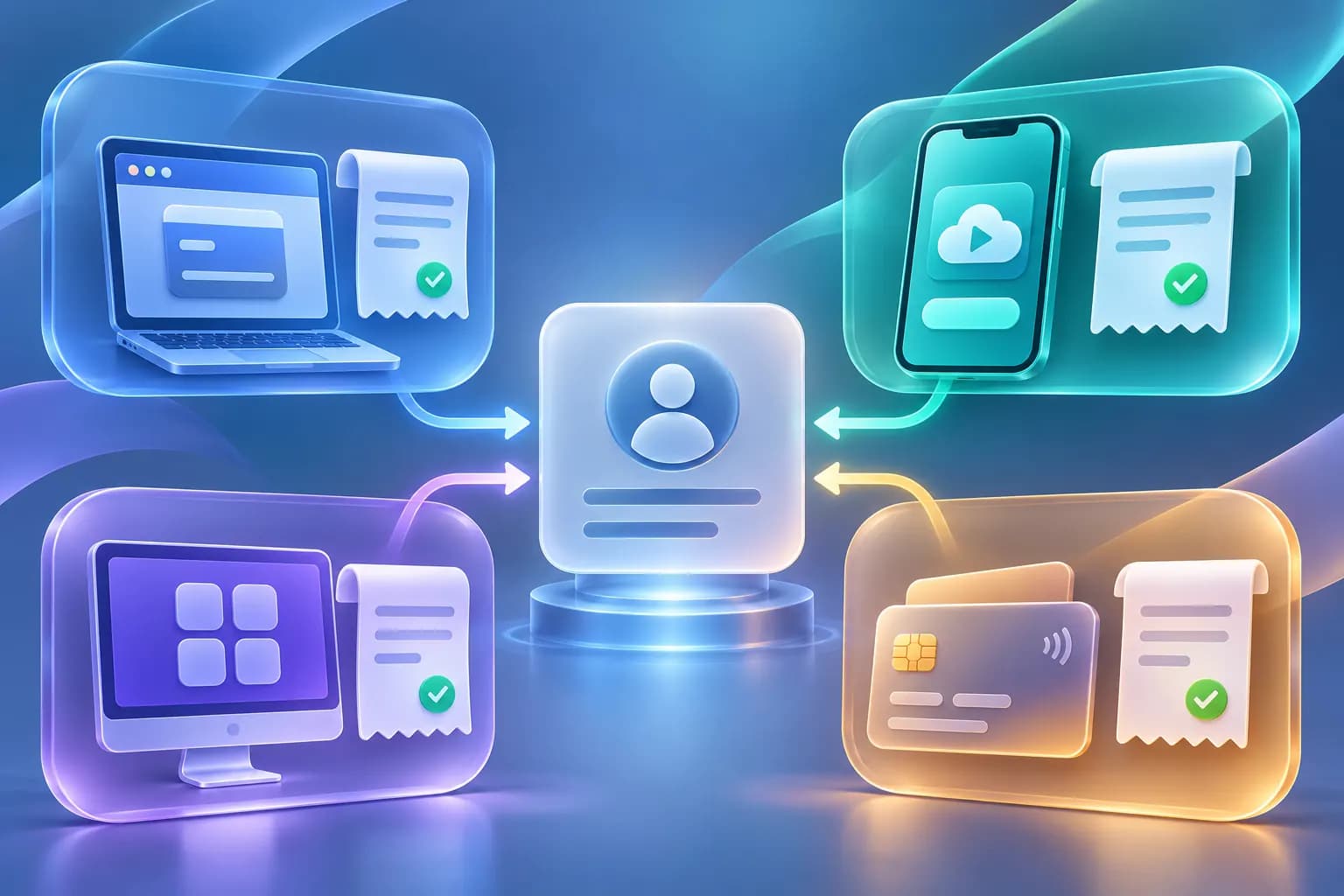
The billing channel determines which invoice or receipt is available. Google One purchases use Google Payments records, Google Play and the App Store use their own subscription portals, and Gemini Pricing orders use a Stripe payment receipt plus the GP order page. A Gemini Pricing receipt is not a Google invoice and cannot be represented as one.
Last verified · Editorial policy
Live prices and where to buy
Price, stock and sale state come from the live catalogue; the checkout amount is final.
Compare prices and plans:Google AI Pro price: Gemini Pro top-up cost
Identify the billing channel first
A Google AI Pro receipt is issued by the platform that processed the purchase, not by the storefront that described the plan.
| Purchase source | Payment record | Where to check | Merchant shown |
|---|---|---|---|
| Google One on the web | Google Payments receipt or transaction record | payments.google.com | |
| Google Play | Google Play order and subscription record | Google Play payments and subscriptions | Google Play |
| Apple App Store | Apple receipt and subscription record | Apple account purchase history | Apple |
| Gemini Pricing | Stripe payment receipt and GP order | Purchase email and /query | Stripe merchant descriptor |
Where are Google One receipts found?
Use the exact Google account that owns the subscription and review its Google Payments activity.
- ·Sign in to payments.google.com with the owning account.
- ·Review the transaction and any receipt email from Google.
- ·Check the account billing profile for the payment method and tax details.
- ·Use Google One membership for renewal and plan information.
- ·Do not use a different Google account from the one charged.
Where are Google Play receipts found?
Google Play purchases are managed separately from Google One web billing.
- ·Open the Google Play account used for the purchase.
- ·Check Payments and subscriptions.
- ·Review the order history for the charge.
- ·Use the Play cancellation flow for a Play-billed subscription.
- ·A Google One web receipt may not exist for a Play purchase.
Where are App Store receipts found?
Apple bills and documents subscriptions purchased through the App Store.
- ·Open the Apple account used for the purchase.
- ·Review purchase history and subscriptions.
- ·Use Apple's billing and refund controls.
- ·Google cannot cancel an Apple-billed subscription.
- ·The receipt layout and tax details come from Apple.
What does a Gemini Pricing receipt show?
The purchase email receives the Stripe payment communication, while the GP order page shows the product and delivery status.
- ·Keep the Stripe receipt and GP order number together.
- ·The purchase email is needed to perform order lookup.
- ·The receipt identifies the third-party service transaction.
- ·The GP order page identifies what was purchased and whether it was delivered.
- ·The Stripe descriptor may differ from the website name.
Is a receipt the same as a tax invoice?
No. A payment receipt proves a transaction, but it may not meet every company's requirements for a formal tax invoice.
- ·A receipt can show payment amount, date, merchant and payment method.
- ·A tax invoice can require additional legal and tax identifiers.
- ·Availability varies by merchant, country and transaction type.
- ·A Google receipt and a Gemini Pricing receipt are issued by different sellers.
- ·Confirm your finance team's requirements before purchase.
Does Gemini Pricing issue a Google invoice?
No. Gemini Pricing is an independent third-party storefront and cannot issue a Google invoice or impersonate Google billing.
- ·A Gemini Pricing order is not a Google One subscription.
- ·The Stripe record belongs to the separate top-up service.
- ·The document cannot be used as proof of a payment to Google.
- ·Google manages its own receipts and tax documents.
- ·Do not alter a receipt or change the merchant name.
How can a Gemini Pricing order support reimbursement?
Use the available order and payment records, and confirm acceptance with the buyer's finance team before paying.
- ·Save the Stripe receipt from the purchase email.
- ·Save the GP order page showing the product, amount and delivery.
- ·Keep the purchase email associated with the order.
- ·Do not include Google passwords or verification codes.
- ·Ask support about current document options before assuming a formal invoice is available.
What should you do if the receipt is missing?
Check the correct purchase inbox and payment source before creating another order.
- ·Search the purchase email, including spam and promotions folders.
- ·Check the Stripe or card notification for the charge.
- ·Use /query with the GP order number and purchase email.
- ·Confirm the email was spelled correctly at checkout.
- ·Contact support instead of repurchasing while a valid order exists.
How do tax details differ by channel?
Tax fields depend on the seller, account country and local rules. The checkout and official seller record control the exact treatment.
- ·Google uses the payment-profile tax details for Google-billed purchases.
- ·Google Play and Apple use their own account and tax workflows.
- ·Stripe collects merchant and payment details for this storefront.
- ·A card statement is not a substitute for a tax document.
- ·Consult the seller or a tax professional when a formal treatment is required.
How do cancellation and refund records work?
The original billing channel controls cancellation and refunds.
- ·Cancel a Google-billed subscription through Google One.
- ·Cancel a Play subscription through Google Play.
- ·Manage Apple subscriptions through Apple.
- ·Use the GP order and support route for a Gemini Pricing delivery issue.
- ·Keep the receipt after cancellation because access may continue through the paid period.
What should you verify before buying?
Check the merchant, billing model and document availability before paying.
- ·Confirm whether the plan is Google-billed or a third-party top-up.
- ·Confirm the amount and currency.
- ·Review the renewal terms.
- ·Review the receipt and refund terms.
- ·For business reimbursement, confirm the required document before checkout.
Frequently asked questions
How do I find my Google AI Pro invoice?
Sign in to the account that owns the subscription and check Google Payments for Google-billed purchases. Google Play and App Store purchases must be checked in their own stores.
Does Gemini Pricing provide a Google invoice?
No. Gemini Pricing is an independent third-party storefront. It can provide the Stripe payment and GP order records available for its own service, not a Google invoice.
Where is my Gemini Pricing receipt?
Stripe sends the payment communication to the purchase email. Use that same email plus the GP order number on /query for the order record.
Can I use the Stripe receipt for reimbursement?
That depends on the organization. Some finance teams accept a payment receipt and order record; others require a formal tax document. Confirm before purchase.
Why is a Google Play purchase missing from Google One billing?
Google Play can manage the subscription independently from Google One web billing. Check Google Play payments and subscriptions instead.
Is a Google receipt the same as a tax invoice?
Not necessarily. The exact tax document depends on the seller, country, account tax profile and transaction type.
Sources and review scope
Plan names, availability and billing rules can change. This page separates Google's list price from the live one-time top-up price and is reviewed against the sources below.